
SSD vs HDD in Oman: 5 Honest Differences That Will Tell You Exactly Which Storage to Choose

SSD vs HDDD in Oman, are you confused like many other people? If your laptop takes two minutes to start up, freezes when you open three browser tabs, or sounds like a small fan factory every time you save a file, the storage inside it is almost certainly the problem. The SSD vs HDD question in Oman is not just a technical debate; it directly affects how long your laptop lasts, how well it handles Oman’s heat, and how much you spend to fix a slow machine versus just replacing it.
TL;DR: For almost every laptop and PC user in Oman in 2026, an SSD is the right choice. It is faster, more heat-resistant in Oman’s climate, and starts at 14 OMR for a 1TB internal upgrade. The only reason to choose an HDD over an SSD in Oman today is bulk storage at the lowest possible cost per terabyte — and even then, an external HDD sitting on a desk is a better solution than an internal spinning drive in a laptop running in Oman’s heat.
SSD vs HDD in Oman- What is the Difference
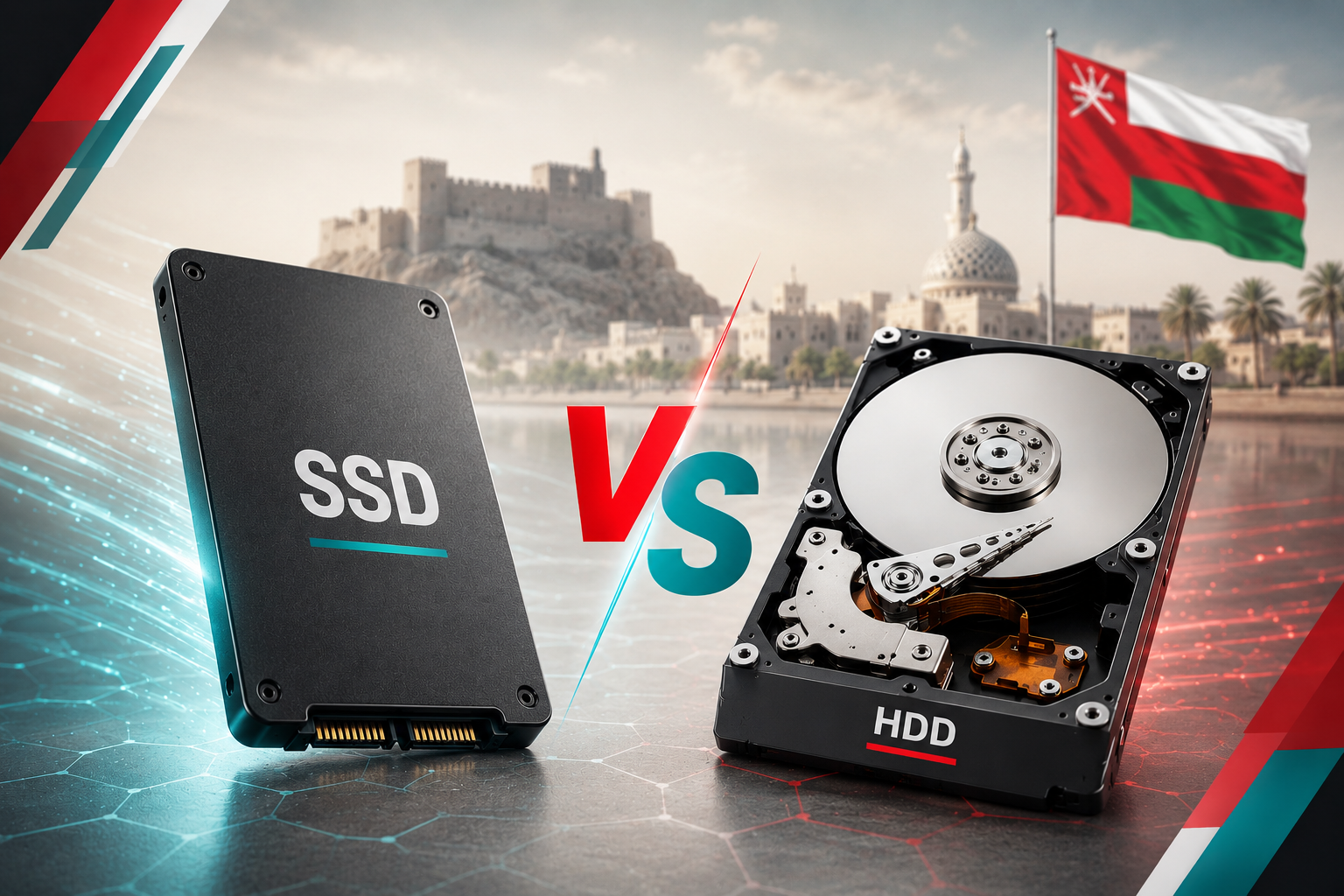
An HDD (Hard Disk Drive) stores data on spinning magnetic platters. It has been the standard laptop storage for decades. It works, it is cheap per gigabyte, and it holds a lot of data. It also has moving parts, which means it is slower, noisier, more sensitive to physical shock, and more vulnerable to heat-related degradation than its modern replacement.
An SSD (Solid State Drive) stores data on flash memory chips with no moving parts — the same technology used in your phone’s internal storage. It is faster, silent, lighter, more shock-resistant, and significantly more heat-tolerant than an HDD. In 2026, it will also no longer be expensive. A 1TB internal SSD costs 14–18 OMR in Oman. That number closes the HDD vs SSD cost argument almost completely for most buyers.
The 5 Differences That Actually Matter in Oman
Difference 1: Speed — SSD wins by a margin that changes how your computer feels
An HDD boots Windows in 60 to 120 seconds on a typical laptop. An SSD boots the same machine in 10 to 20 seconds. Opening Chrome, Word, or a photo editing app on an HDD takes several seconds each time. On an SSD, they open almost instantly. This is not a marginal difference — it is the difference between a laptop that frustrates you every time you use it and one that feels fast and responsive all day. For students, professionals, and anyone who uses a laptop for more than casual browsing, this speed difference is felt immediately and constantly.
Difference 2: Heat tolerance — SSD is the correct choice for Oman specifically
This is the point every international comparison ignores and the most Oman-specific reason to choose SSD. HDDs contain spinning platters and read/write heads that generate heat during operation and degrade faster at sustained high temperatures. In Oman’s summer, a laptop used in a room without continuous air conditioning, left in a car, or carried in a bag on a hot day operates under sustained ambient temperatures that accelerate mechanical wear on an HDD far faster than the manufacturer’s rated lifespan assumes.
An SSD has no moving parts. It generates less heat during operation, tolerates high ambient temperatures better, and is not damaged by the vibration and physical shock of being carried in a bag. For a laptop that lives in Oman’s climate, and especially for a laptop that gets moved between locations rather than sitting on a desk permanently, an SSD is not a premium upgrade. It is the safer and more practical choice.
Difference 3: Noise — SSD is completely silent
An HDD produces a distinct spinning and clicking sound during operation. An SSD makes no sound at all. For buyers who use their laptop in shared spaces — a university library, an open office, a shared bedroom- this difference is more noticeable than most people expect before they experience it.
Difference 4: Price — the gap has narrowed to the point where HDD only wins on bulk capacity
| Storage Type | Capacity | Approximate Oman Price |
|---|---|---|
| Crucial BX500 SATA SSD | 1TB | 14–18 OMR |
| Samsung 870 EVO SATA SSD | 1TB | 22–28 OMR |
| Kingston NVMe SSD | 512GB | 12–16 OMR |
| Crucial MX500 SATA SSD | 1TB | 18–24 OMR |
| Seagate BarraCuda HDD | 2TB | 18–22 OMR |
| Seagate BarraCuda HDD | 4TB | 32–40 OMR |
Prices reflect confirmed Oman market pricing as of July 2026.
The table tells the story clearly. A 1TB SSD and a 2TB HDD now cost roughly the same in Oman. The only scenario where an HDD makes financial sense is when you need 4TB or more of storage at the lowest possible price per gigabyte, which is a desktop or external backup drive use case, not a laptop use case.
Difference 5: Reliability — SSD lasts longer under Oman’s conditions
An HDD has an average rated lifespan of 3 to 5 years under normal use. An SSD lasts 5 to 10 years under equivalent conditions. In Oman’s heat, the HDD’s mechanical components, bearings, platters, and heads wear faster than the rated lifespan assumes. A second-hand laptop bought in Muscat with an old HDD inside is carrying storage that may already be partway through its lifespan. Upgrading to an SSD at 14–18 OMR extends the laptop’s useful life by years, which is why SSD upgrades are one of the most commonly recommended fixes for slow second-hand laptops in the GCC market.
Is It Worth Upgrading an Older Laptop from HDD to SSD in Oman?
Yes — if the laptop’s processor is a Core i5 or equivalent from 2018 onwards, an SSD upgrade at 14–18 OMR will make the machine feel significantly faster without buying a new device. The upgrade process involves cloning the existing drive to the new SSD and swapping the drives physically, a straightforward procedure that most laptop repair shops in Muscat’s Al Khuwair or Al Khoud Souq areas handle for a modest fee. For buyers considering this upgrade, the Crucial BX500 1TB SATA SSD and the Kingston NVMe 512GB are the two most compatible, widely stocked options for older laptop upgrade scenarios in Oman’s market.
For current SSD and storage device stock in Oman, browse storage devices at Sky Gadgets across all four Muscat branches. If your laptop is running slow and you are not sure whether an SSD upgrade is the right fix or whether a replacement laptop makes more sense, our complete laptops in Oman buying guide covers that decision in full. For independent benchmark testing comparing SSD and HDD performance across specific models, Tom’s Hardware’s SSD benchmark guide is the most comprehensive neutral reference available.
Frequently Asked Questions
Is SSD better than HDD for a laptop in Oman?
Yes, for almost every use case. An SSD boots faster, runs quieter, tolerates heat better, and is more resistant to physical shock, all of which matter specifically in Oman’s climate and daily usage patterns. A 1TB internal SSD costs 14–18 OMR in Oman, which removes the price objection that historically favoured HDDs. The only exception is bulk storage above 2TB, where an external HDD still offers a lower cost per gigabyte.
How much does an SSD cost in Oman?
A 512GB internal SSD starts at around 10–14 OMR for NVMe models and 12–16 OMR for SATA in Oman’s market. A 1TB SATA SSD from Crucial or Kingston costs 14–22 OMR. A 1TB Samsung 870 EVO, one of the most reliable SATA SSDs available, costs 22–28 OMR. Prices reflect confirmed Oman market availability as of July 2026 and may vary by retailer.
Can I upgrade my laptop from HDD to SSD in Oman?
Yes, and it is one of the most cost-effective upgrades available for an older laptop. Most laptops from 2015 onwards support a 2.5-inch SATA SSD replacement. Laptops from 2018 onwards increasingly support M.2 NVMe SSDs for even faster performance. The upgrade involves purchasing a compatible SSD, cloning your existing data, and physically swapping the drives. Laptop repair shops in Al Khuwair and Al Khoud Souq in Muscat typically perform this service for a small labour fee on top of the SSD cost.
Does heat in Oman damage an SSD or HDD faster?
Heat affects both, but HDDs are significantly more. HDDs contain spinning mechanical components, platters, and read/write heads that degrade under sustained high temperatures. Oman’s summer ambient temperatures accelerate this mechanical wear and shorten the drive’s practical lifespan. SSDs have no moving parts and tolerate high temperatures more reliably under the conditions typical of Oman’s climate. For any laptop that is moved between locations, used without continuous air conditioning, or stored in environments that get warm, an SSD is the more durable long-term choice.
What is the difference between SATA SSD and NVMe SSD in Oman?
SATA SSDs connect via the older SATA interface and reach speeds of around 500–560 MB/s. They fit in the same slot as an older HDD in most laptops and are the most compatible upgrade for machines from 2015 to 2019. NVMe SSDs connect via the M.2 slot using the PCIe interface and reach speeds of 3,000 to 7,000 MB/s depending on the generation. NVMe is significantly faster than SATA and is the standard in laptops from 2019 onwards. Check your laptop’s specifications or look up the model before purchasing. Buying an NVMe SSD for a machine that only supports SATA will not work without an adapter.