
My Laptop Is Slow in Oman: 5 Brutally Honest Fixes Before You Waste Money on a New One

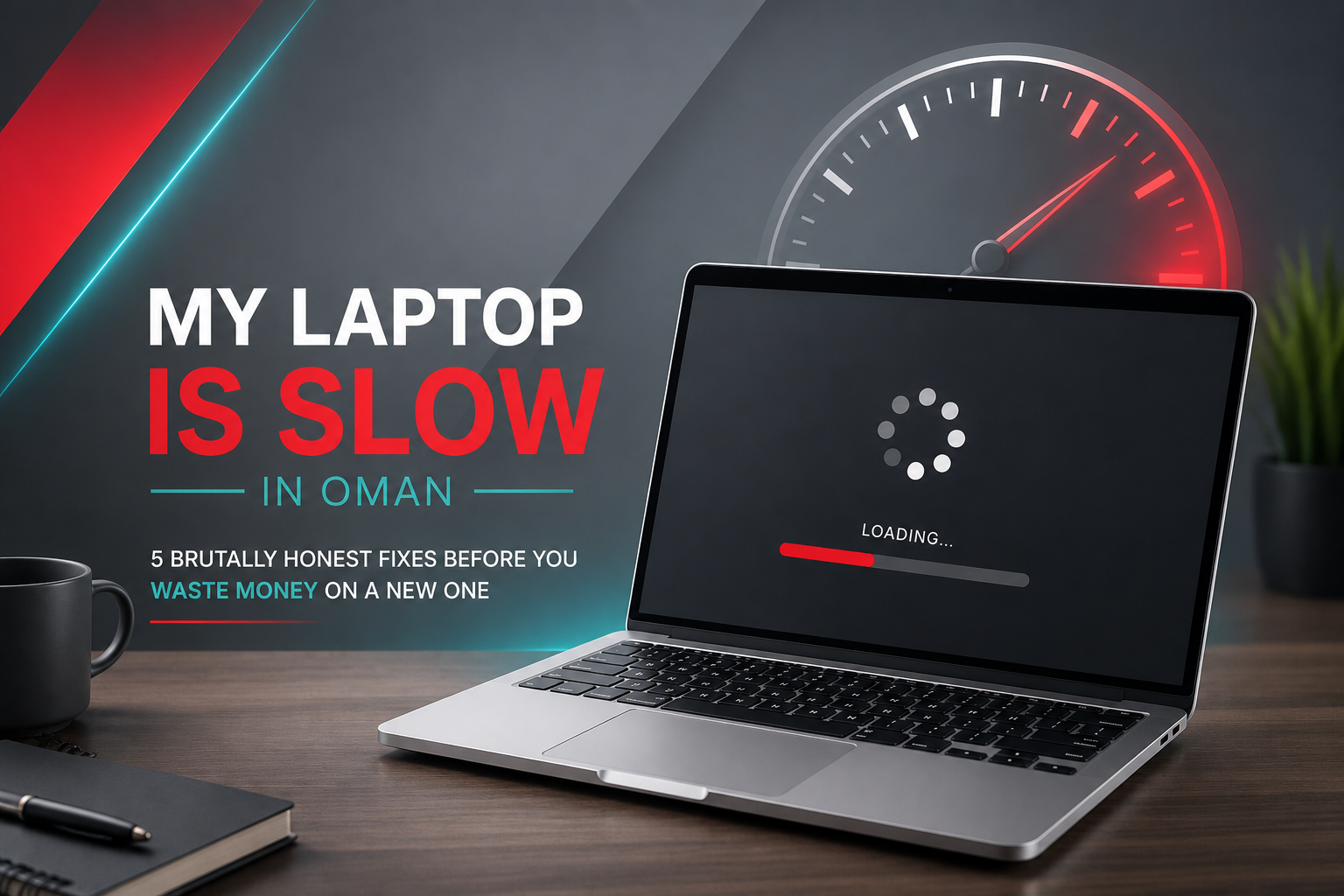
Are you also looking for a slow laptop fix in Oman? Your laptop has started to feel like a different machine. It takes two minutes to start, freezes when you open Chrome, and struggles through tasks it used to handle without complaint. If your laptop is running slow in Oman and you are wondering whether to fix it or replace it, try these five things first, in this order, before spending 150 OMR or more on a new machine.
TL;DR: Most slow laptops in Oman are fixable without buying a new machine. The two highest-impact fixes are an SSD upgrade at 14–18 OMR and clearing full storage, both of which address the root cause of slowness in the majority of cases. Only replace the laptop if the processor is below Core i5 or if the machine is physically failing.
Fix 1 — Check If Your Storage Is Full (Free, Takes 2 Minutes)
Open Windows Explorer, right-click your C: drive, and click Properties. If the drive is above 85% full, that is almost certainly causing the slowdown. Windows needs free space to manage temporary files, updates, and virtual memory. When it runs out of breathing room, everything slows down significantly.
The fix: delete files you no longer need, empty the Downloads folder (it is almost always full of forgotten files), and uninstall apps you have not opened in months. If photos and videos are eating up space, move them to an external hard drive. A Toshiba Canvio Basics 1TB at 18–24 OMR moves your media off the laptop and gives Windows the space it needs to function properly again.
Fix 2 — Disable Startup Programs (Free, Takes 5 Minutes)
Right-click the taskbar and open Task Manager. Click the Startup tab. You will likely see 10 to 20 programs set to launch automatically when Windows starts, most of which you never use and did not knowingly set up. Disable everything except your antivirus and anything you genuinely need immediately after startup. Restart the laptop and see how much faster it boots.
This fix alone recovers two to three minutes of boot time on most older laptops and costs nothing.
Fix 3 — Check If the Laptop Is Overheating (Free, Requires a Can of Compressed Air)
In Oman’s summer, thermal throttling is a genuine and common cause of laptop slowness that no international guide properly addresses. When a laptop’s internal temperature hits a critical threshold, the processor deliberately slows itself down to avoid damage. If your laptop runs hot to the touch, gets loud quickly under basic tasks, or slows noticeably after 20 to 30 minutes of use, overheating is likely the cause rather than a software problem.
Blow compressed air through the vents to clear dust buildup. Turn the laptop off for 15 minutes before trying again. If you use the laptop on a bed, sofa cushion, or any soft surface, switch to a hard, flat desk; soft surfaces block the bottom vents, and the temperature rises fast. A cooling pad at 8–12 OMR solves this problem for most laptop users in Oman’s climate and is one of the most cost-effective fixes on this list. Our guide to laptops overheating in Oman covers this in more detail.
Fix 4 — Upgrade to an SSD (14 to 18 OMR — The Highest-Impact Fix Available)
If your laptop still has a spinning HDD inside it, this is the single most impactful upgrade you can make. A laptop that takes 90 seconds to boot on an HDD typically takes under 15 seconds after an SSD upgrade. Apps open faster, multitasking becomes smoother, and the machine feels entirely different to use.
A Crucial BX500 1TB SATA SSD costs 14–18 OMR in Oman and is compatible with most laptops from 2012 onwards that use a 2.5-inch drive bay. The upgrade involves cloning your existing data to the new drive and swapping the hardware, a procedure that laptop repair shops in Muscat’s Al Khuwair and Al Khoud Souq areas perform for a modest labour fee on top of the drive cost. For SSD stock and current pricing, browse storage devices at Sky Gadgets across all four Muscat branches.
If you want to understand which SSD type your specific laptop supports before buying, our SSD vs HDD in Oman guide explains the difference between SATA and NVMe options and which laptops support each type.
Fix 5 — Check RAM Usage (Upgrade Costs 15 to 30 OMR If Needed)
Open Task Manager and click the Performance tab. Look at Memory. If it is consistently above 80% during normal tasks — browser, documents, a video call, your laptop does not have enough RAM for what you are asking it to do. 8GB is the minimum for comfortable everyday use in 2026. If you are running Windows 11 with 4GB of RAM, slowness is guaranteed regardless of any other fix.
A RAM upgrade from 4GB to 8GB costs approximately 12–18 OMR, and from 8GB to 16GB costs 18–30 OMR. The important caveat: not all laptops allow RAM upgrades. Many thin laptops from 2019 onwards have RAM soldered directly to the motherboard and cannot be upgraded. Check your laptop’s model specifications before purchasing. A quick search of your laptop’s model number plus “RAM upgradeable” will confirm it within minutes.
When Should You Replace the Laptop Instead of Fixing It?
When the processor is the bottleneck, no storage or RAM upgrade will solve the problem. If your laptop has a Core i3 from before 2018, a Celeron, or a Pentium processor, the CPU itself is too slow for modern software demands, and that is not fixable without replacing the machine. Similarly, if the battery is dead, the screen has physical damage, or the motherboard is failing, repair costs can exceed the price of a replacement second-hand laptop.
A second-hand laptop with a Core i5 processor, 8GB RAM, and an SSD from Sky Gadgets starts at around 60–95 OMR. If the total cost of fixing your current machine — SSD, RAM, cooling pad approaches or exceeds that figure, replacement is the smarter financial decision. For current options, our complete laptops in Oman buying guide covers what to look for in both new and second-hand options. For an authoritative reference on laptop performance benchmarks, Laptop Mag’s annual performance guide is the most reliable neutral source available.
Frequently Asked Questions
Why is my laptop so slow in Oman?
The most common causes in order of frequency are a nearly full storage drive, too many startup programs running in the background, thermal throttling from overheating (especially common in Oman’s summer heat), an old HDD instead of an SSD, and insufficient RAM for modern software. Try clearing storage and disabling startup programs first — both are free and fix most cases of gradual slowdown without hardware changes.
Is it worth upgrading my laptop’s SSD in Oman?
Yes, if your laptop has a Core i5 processor or better and currently runs on an HDD. An SSD upgrade at 14–18 OMR for a 1TB Crucial BX500 is the single most cost-effective performance improvement available for an older laptop. Boot time drops from 90 seconds to under 15 seconds, and general responsiveness improves immediately and noticeably. Laptop repair shops in Al Khuwair and Al Khoud Souq in Muscat perform the physical swap for a modest labour fee.
Does the heat in Oman slow down laptops?
Yes. When a laptop’s internal temperature hits a critical threshold, the processor throttles itself to prevent damage. This appears as sudden slowness or stuttering during tasks that were previously smooth. This is called thermal throttling and is more common in Oman’s climate than in cooler countries. Cleaning the vents with compressed air, switching to a hard desk surface, and using a cooling pad at 8–12 OMR resolves most heat-related slowness without any hardware upgrade.
When should I buy a new laptop instead of fixing a slow one in Oman?
Replace rather than fix when the processor is a Core i3 from before 2018, a Celeron, or a Pentium; these cannot be upgraded and are too slow for modern software, regardless of SSD or RAM additions. Also, replace when the total cost of recommended fixes approaches or exceeds the price of a comparable second-hand laptop at 60–95 OMR from a trusted local source. When fixing makes sense, an SSD and startup cleanup together typically restore most of the machine’s original performance for under 25 OMR total.