

Why Does My Laptop Keep Shutting Down in Oman’s Heat? 6 Fixes Before You Call a Repair Shop?

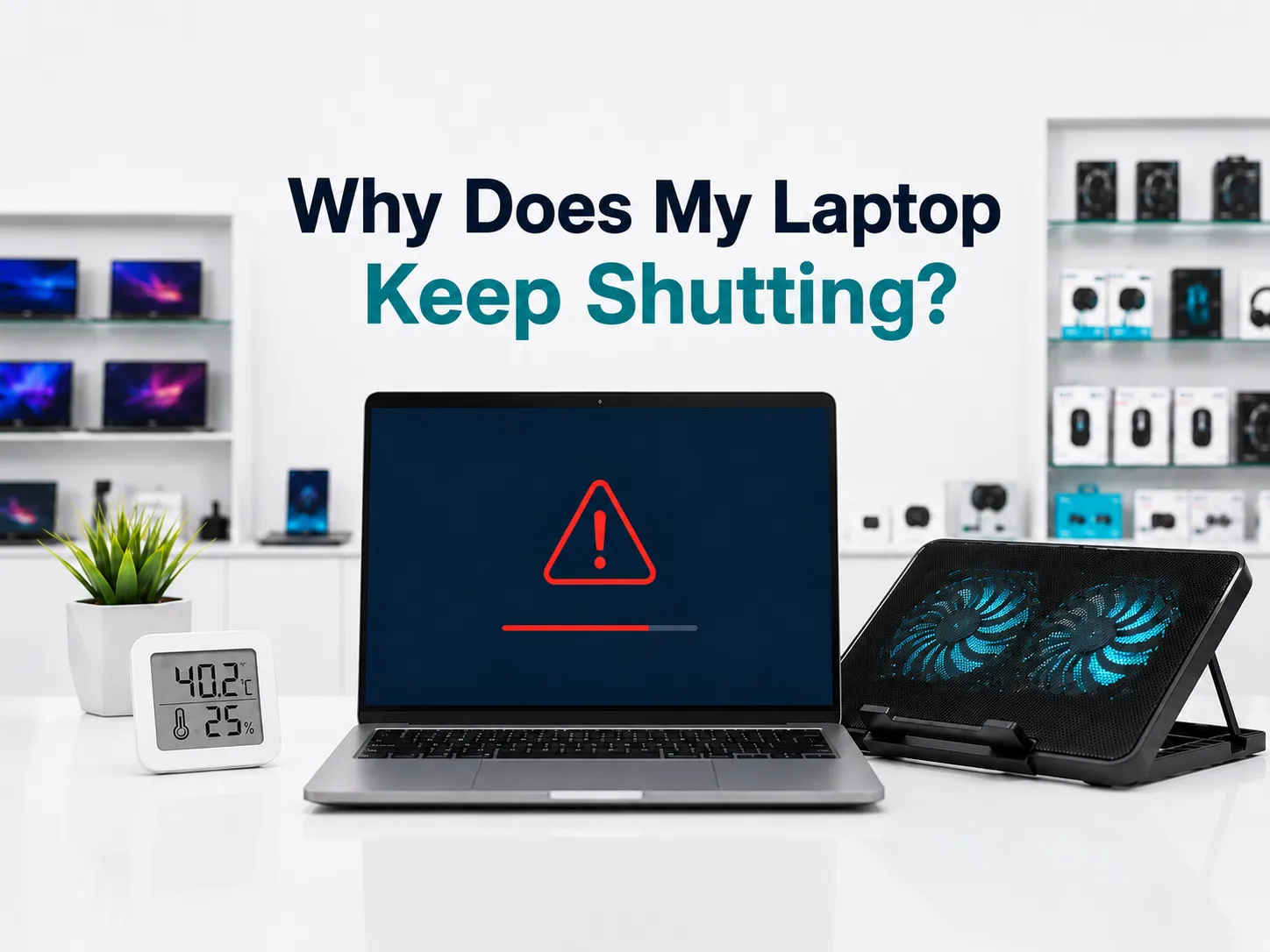
You are also facing a laptop shutting down in Oman, with no warning. Maybe you were halfway through an invoice. Maybe it happened on a video call. Now it’s happened twice in one afternoon. If you’re asking why your laptop keeps shutting down in Oman’s heat, you’re not imagining it, and you’re not the only one dealing with it this summer.
Laptops shut down in Oman’s heat because the processor inside is already running hot from normal use, and the extra heat from a closed room, a parked car, or direct sun pushes it past a safety limit, so the machine switches itself off to protect itself from damage.
Why This Keeps Happening (It’s Not Random)
Every laptop has a safety system built in. When the processor gets too hot, the machine first tries to slow itself down to cool off. If that’s not enough, it shuts off completely rather than risk damaging itself. This is normal behaviour, not a fault, at least the first time it happens.
The problem in Oman is that the starting point is already higher than what most laptops are designed and tested for. A car left in the sun for an hour can pass 60 degrees inside. A closed room with no air conditioning running during the day gets there too. Add a few hours of normal use on top of that, video calls, browser tabs, maybe a spreadsheet open in the background, and the laptop hits its limit far faster than it would in a cooler country.
Dust makes it worse. Every laptop pulls in air through small vents to cool itself, and that air carries dust with it. Over a year or two, that dust builds up around the fan and blocks the airflow. If your laptop is second-hand and already a few years old, the fan and the thermal paste inside it are older too, which means it has less room to cope with extra heat than a brand-new machine would.
Can Hot Weather Actually Damage My Laptop, Or Does It Just Shut Off?
A single shutdown from overheating does not damage your laptop. The shutdown is the protection working as intended, not the problem itself. Repeated overheating over months, though, does shorten the life of the battery and the fan. According to Intel’s own explanation of processor temperature limits, when a processor can’t manage its heat through normal throttling, it shuts itself down automatically to prevent permanent damage, which is exactly the mechanism behind what you’re seeing here
How to Fix It Yourself, Step by Step
- Turn it off and let it cool for 15 minutes before doing anything else. Don’t keep trying to restart it immediately.
- Move it off soft surfaces. A bed, a sofa cushion, or your lap blocks the vents underneath. Use a hard, flat surface instead.
- Clean the vents. Use a can of compressed air to blow dust out of the side and bottom vents. Do this with the laptop off and unplugged.
- Get it out of direct heat. Don’t leave it in a parked car, on a windowsill in direct sun, or in a room that’s been closed up all day without the AC on.
- Use a cooling pad. A basic one with a built-in fan makes a real difference, especially for laptops that are a few years old and already run warmer than new ones.
- Close what you’re not using. Extra browser tabs and background apps all add heat. Closing them gives the processor less to work with.
For the cooling pad specifically, browse laptop accessories at Sky Gadgets for options that fit your model and budget.
When the Problem Needs a Repair Shop, Not Just Cleaning
If you’ve cleaned the vents, kept it off soft surfaces, and used a cooling pad for a few days, and it still shuts down, the issue has moved past what cleaning can fix. At that point, it’s usually one of three things: the fan motor itself is wearing out, the thermal paste between the processor and its heatsink has dried out and stopped working properly, or the battery is old enough that it’s struggling under load. None of these are things to keep pushing through. Continuing to use a laptop that’s overheating repeatedly risks permanent damage to the processor or the motherboard.
If None of This Fixes It
Don’t keep restarting it and hoping. Take it to a technician for a proper check rather than guessing further. If you’re still deciding whether a repair is worth it versus the cost of a newer machine, our complete laptops in Oman buying guide walks through that decision in more detail.
Frequently Asked Questions
Why does my laptop randomly shut down when it’s hot outside?
The processor inside has a built-in safety limit. When the surrounding heat plus the heat it generates from normal use pushes past that limit, it shuts down to protect itself from damage. This happens more in Oman because the ambient temperatures are already high before the laptop even starts working.
Can a cooling pad really stop my laptop from shutting down in summer?
Yes, in most cases. A cooling pad with a built-in fan pulls heat away faster than the laptop’s own fan can on its own, especially on older machines. It won’t fix a laptop with a failing fan or dried-out thermal paste, but for everyday overheating, it solves the problem for most users.
Is it normal for laptops to shut down in Oman’s summer heat?
It happens often enough that it’s not unusual, but it’s not something to ignore either. An occasional shutdown during extreme heat is the safety system working correctly. Frequent shutdowns, even indoors with the AC on, usually point to dust buildup, a failing fan, or a battery that needs replacing.