
5 PC & Laptop Accessories in Oman Every Setup Needs-And How to Choose Them Right

Walk into any electronics store in Muscat, and you’ll see people spending hundreds of OMR on laptops while paying almost no attention to the accessories that determine how enjoyable that laptop is to use every day.
That’s a mistake.
The right PC & laptop accessories in Oman can improve productivity, reduce desk clutter, protect expensive devices, and make everyday work significantly easier. The wrong accessories often end up forgotten in a drawer after a few weeks.
Whether you’re buying a mechanical keyboard for gaming, a wireless mouse for office work, a docking station for your MacBook, or a display adapter for presentations, understanding what actually matters can save both money and frustration.
After handling thousands of accessories through Sky Gadgets in Muscat, one thing is clear. Most buyers don’t need more accessories. They need the right accessories.
Why Do So Many People Buy the Wrong PC & Laptop Accessories in Oman?
Laptop owners usually focus on specifications: Intel Core processors, RAM, storage, graphics cards. Then they buy the cheapest accessories they can find.
That’s where problems begin.
Poor-quality keyboards develop key issues after a few months. Cheap USB hubs disconnect randomly. Low-quality charging cables fail unexpectedly. Display adapters stop working during important meetings.
We’ve seen customers from Al Khuwair, Al Hail, and Al Khoud arrive with expensive laptops connected to accessories worth only a few rials.
The result is usually poor performance, frustration, and unnecessary replacement costs.
Common problems include: unresponsive keyboards, mouse lag, unstable wireless connections, failed display outputs, damaged charging ports, slow data transfer speeds, and security vulnerabilities from outdated software.
Many buyers also struggle because online listings rarely explain real-world differences between products. A keyboard is not just a keyboard. A USB hub is not just a USB hub. The details matter.
What PC & Laptop Accessories Actually Matter Most?
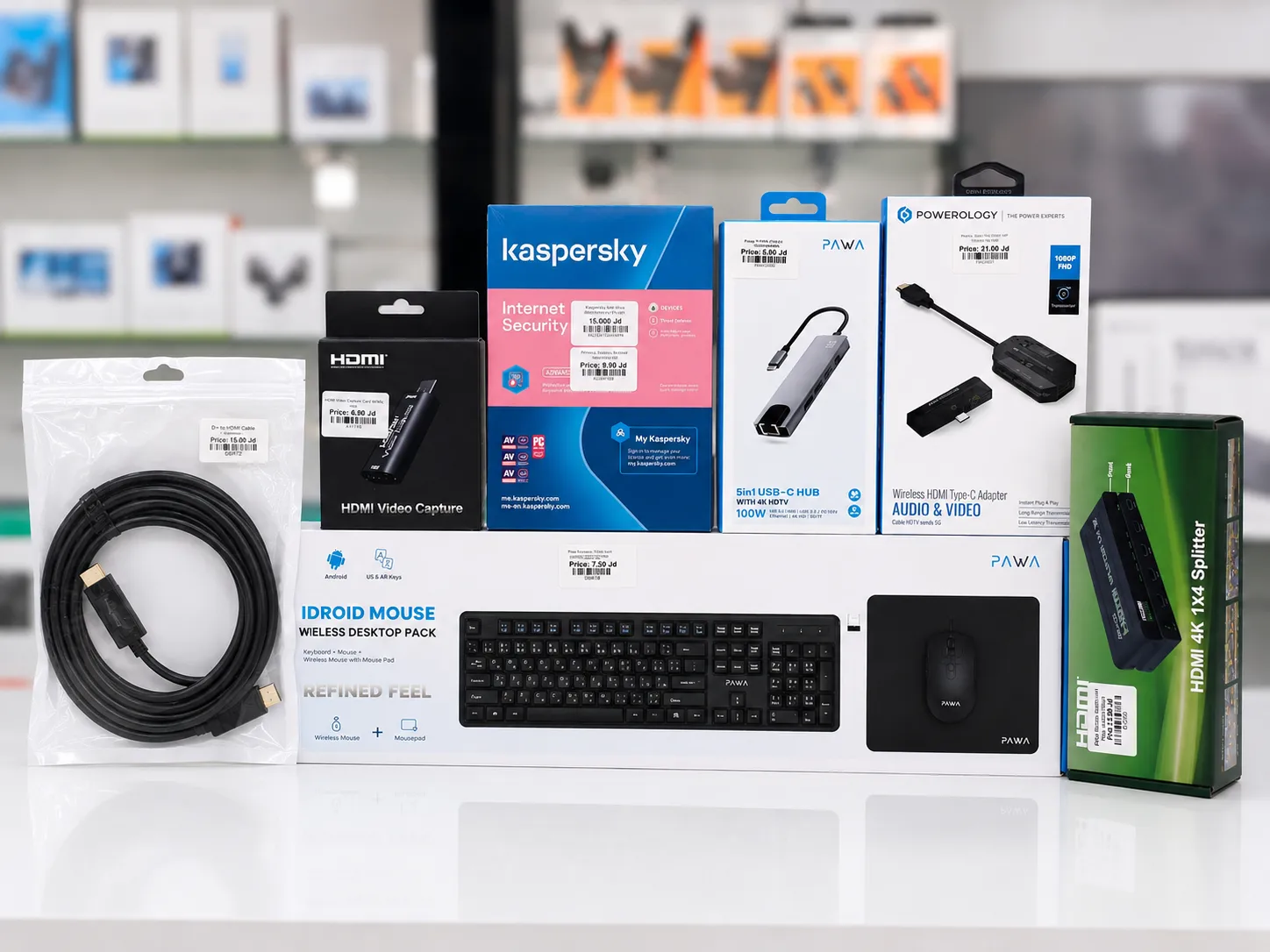
When customers ask where they should start, the answer depends on how they use their device. For most people, five categories have the biggest impact: keyboards and mouse, USB hubs and docking stations, PC cables and adapters, software and antivirus, and display adapters. Everything else comes later.
A professional accountant in Muscat has very different requirements than a university student in Seeb or a gamer building a setup in Al Khuwair. Understanding your workflow comes first.
1. Keyboards and Mouse — What Are the Best Options?
Keyboards and mice are the accessories you touch more than anything else. That’s why quality matters.
Mechanical Keyboards Oman: Are They Worth It?
Mechanical keyboards use individual switches beneath every key, creating better durability, faster response times, improved typing accuracy, and more satisfying key feedback. Many models last tens of millions of key presses, several years longer than most membrane keyboards.
For gamers, mechanical switches provide faster actuation. For office users, they often reduce typing fatigue. Browse our full range of mechanical keyboards in Oman.
Wireless Keyboard and Mouse Oman: Convenience Without the Clutter
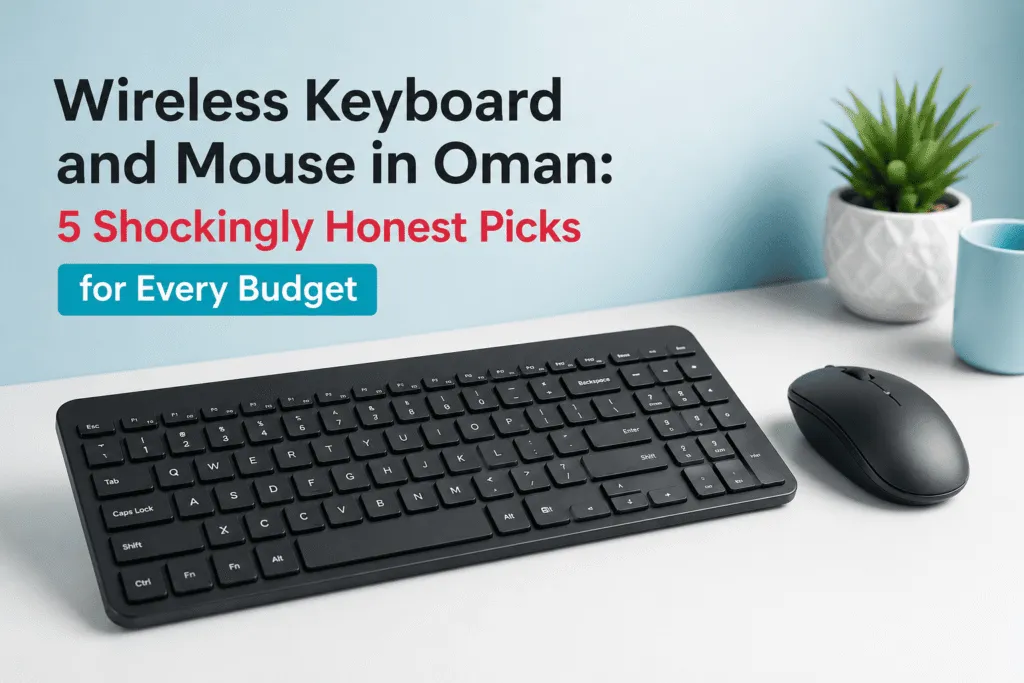
The demand for wireless keyboard and mouse solutions in Oman has increased dramatically. Modern wireless accessories offer excellent battery life and reliable connectivity. For home offices and clean desk setups, wireless options make perfect sense. Buyers should pay attention to battery life, Bluetooth compatibility, wireless range, and multi-device support.
Wired Keyboards and Mice Still Make Sense
Wireless isn’t automatically better. Many gamers still prefer wired peripherals: no charging, no battery concerns, consistent response times, and lower cost. For budget-conscious buyers, quality wired keyboards and mice remain one of the best values available.
2. USB Hubs and Docking Stations — How Do They Simplify Modern Work?
Many modern laptops sacrifice ports for thinner designs. That’s where USB hubs and docking stations become essential. A laptop with two USB-C ports might look modern — until you need to connect an external monitor, mouse, keyboard, USB drive, Ethernet cable, and charger simultaneously.
USB Hubs Oman: Simple Expansion for Daily Use
USB hubs allow users to add multiple connections from a single port. Good hubs typically include USB-A ports, USB-C ports, SD card readers, and HDMI outputs. For students and professionals, they solve connectivity issues instantly.
Docking Stations Oman: The Professional Solution
A quality docking station can transform a laptop into a complete desktop workstation, with multiple monitor support, Ethernet connectivity, high-speed USB ports, audio connections, and charging support. For remote workers in Oman, docking stations have become one of the smartest productivity investments available.
3. PC Cables and Adapters — Which Ones Should Every User Keep?
Few accessories are purchased more frequently than PC cables and adapters — yet they’re often overlooked. A missing cable can stop work immediately. Useful essentials include HDMI cables, USB-C cables, DisplayPort cables, Ethernet cables, audio adapters, and USB converters. Many customers only discover they need an adapter minutes before a meeting or presentation. Keeping a small collection of reliable adapters saves time and stress.
Display Adapters Oman: Small Devices, Big Importance
People often need to connect a laptop to a projector, laptop to a monitor, or a USB-C device to an HDMI display. Not all adapters support the same resolutions; some only support Full HD, others support 4K displays. Understanding compatibility before purchase prevents frustration later. The same compatibility logic applies when connecting a printer; our printers and office essentials in Oman guide covers cabling and connectivity issues specific to printers and scanners
4. Antivirus Software — How Important Is It in Oman?
Many users think antivirus software isn’t necessary. That belief usually changes after a malware infection.
Antivirus Software Oman: Protection That Actually Matters
Cyber threats continue growing every year. Businesses, students, and home users are all targets. According to the Oman National Computer Emergency Readiness Team (OCERT), cybersecurity incidents affecting individuals and businesses in Oman have increased consistently year on year, making local protection more relevant than ever. A quality antivirus solution helps protect personal files, banking information, passwords, business data, and family devices through real-time protection, malware detection, safe browsing tools, and ransomware defense.
We’ve seen customers lose years of files because basic protection wasn’t installed. Others paid hundreds of OMR to recover data. Compared with those costs, antivirus software is usually inexpensive. Browse our software and antivirus options in Oman.
5. PC Components — Upgrades That Extend Your Setup’s Life
Beyond peripherals, the right internal components can dramatically extend a machine’s useful life. Browse our full range of PC components in Oman, from RAM upgrades to SSDs for performance improvements that make an older machine feel new. For a deeper breakdown of SSD capacities, speeds, and prices in Oman, our storage devices in Oman guide covers exactly what to look for before buying
PC & Laptop Accessories Oman: New vs Cheap Alternatives
| Factor | Budget Option | Quality Option |
|---|---|---|
| Lifespan | Shorter | Longer |
| Reliability | Inconsistent | Stable |
| Warranty | Limited | Better support |
| Build Quality | Basic | Strong |
| Long-Term Cost | Higher replacement frequency | Better value |
The cheapest accessory is often the most expensive over time. A keyboard replaced three times costs more than a quality keyboard purchased once. The same applies to cables, adapters, and docking stations.
How to Choose the Right PC & Laptop Accessories in Oman
Step 1: Identify Your Main Device — Start with compatibility. Laptop, desktop, MacBook, or gaming PC. Different devices require different accessories.
Step 2: List Daily Tasks — Gaming? Office work? Video editing? Online meetings? University assignments? Your workflow determines what matters.
Step 3: Prioritise Frequently Used Accessories — Focus first on keyboard, mouse, charging solutions, and display connectivity. These impact daily productivity most.
Step 4: Verify Port Compatibility — Never assume compatibility. Check USB-A, USB-C, HDMI, DisplayPort, and Thunderbolt.
Step 5: Buy for Long-Term Value — A slightly higher investment often delivers years of reliable use.
What PC & Laptop Accessories Buyers in Muscat Usually Ask About
Students frequently want affordable accessories that survive heavy daily use. Remote workers prioritise multi-monitor setups. Gamers focus on response times and RGB features. Business users often need docking stations and presentation adapters.
The most popular accessory categories in Muscat currently include mechanical keyboards, wireless mouse solutions, USB-C hubs, HDMI adapters, external storage accessories, antivirus software, and laptop charging accessories.
Many professionals working between Al Khuwair and Airport Heights increasingly request docking stations because hybrid work setups are becoming standard, a local trend not always visible in international buying guides.
Best PC & Laptop Accessories Categories Worth Exploring
Keyboards & Mouse — Improves comfort and productivity immediately.
USB Hubs & Docking Stations — Expands connectivity and supports modern laptops.
PC Cables & Adapters — Essential backup accessories every user eventually needs.
Software & Antivirus — Protects devices and personal information.
Display Adapters — Critical for meetings, presentations, and multi-screen workstations.
Other PC Components — Additional upgrades that improve performance and reliability.
The Bottom Line: Build a Setup That Works Every Day
The best computer setup isn’t the most expensive; it’s the one that works reliably every day. Quality accessories improve comfort, productivity, and device longevity. Choose products based on how you actually work, not marketing claims.
Whether you’re upgrading a home office, building a gaming setup, or improving a university workstation, the right accessories make a bigger difference than most people expect. Start with the essentials, invest where it matters, then expand as your needs grow.
Browse all PC & laptop accessories at Sky Gadgets Oman
Frequently Asked Questions
What are the most important PC & laptop accessories to buy first in Oman?
Start with a quality keyboard, mouse, charging solution, and display adapter. These accessories affect daily productivity more than most upgrades. Once those essentials are covered, consider USB hubs, docking stations, and software protection based on your workflow.
Are mechanical keyboards worth buying in Oman?
Yes. Mechanical keyboards generally offer better durability, faster response times, and a superior typing experience compared with membrane keyboards. They’re particularly popular among gamers, programmers, and professionals who spend long hours working at a computer.
Should I buy a wireless keyboard and mouse or a wired setup?
Wireless accessories provide cleaner desks and greater flexibility. Wired accessories offer lower cost and eliminate battery concerns. Office users often prefer wireless solutions, while gamers frequently choose wired devices for consistent performance.
What is the difference between a USB hub and a docking station?
A USB hub expands the number of available ports. A docking station provides broader functionality, including monitor support, Ethernet connectivity, charging, and multiple peripheral connections. Docking stations are ideal for professional workstation setups.
Do I really need antivirus software in Oman?
Yes. Cybersecurity threats affect users everywhere. Antivirus software helps protect personal files, banking information, passwords, and business data. Even basic protection is significantly better than having no protection at all.
Which display adapter do I need for my laptop?
That depends on your device ports and display requirements. Common options include USB-C to HDMI, HDMI to VGA, and DisplayPort adapters. Always verify port compatibility and supported resolutions before purchasing.