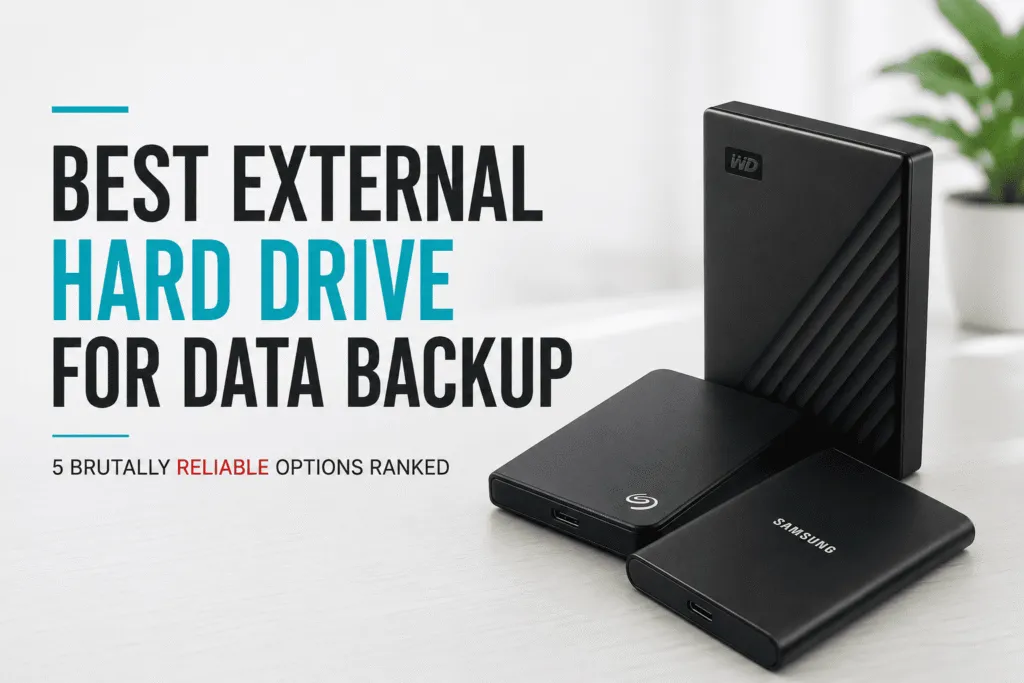

6 Storage Upgrades in Oman That Can Make Your Device Feel Brand New

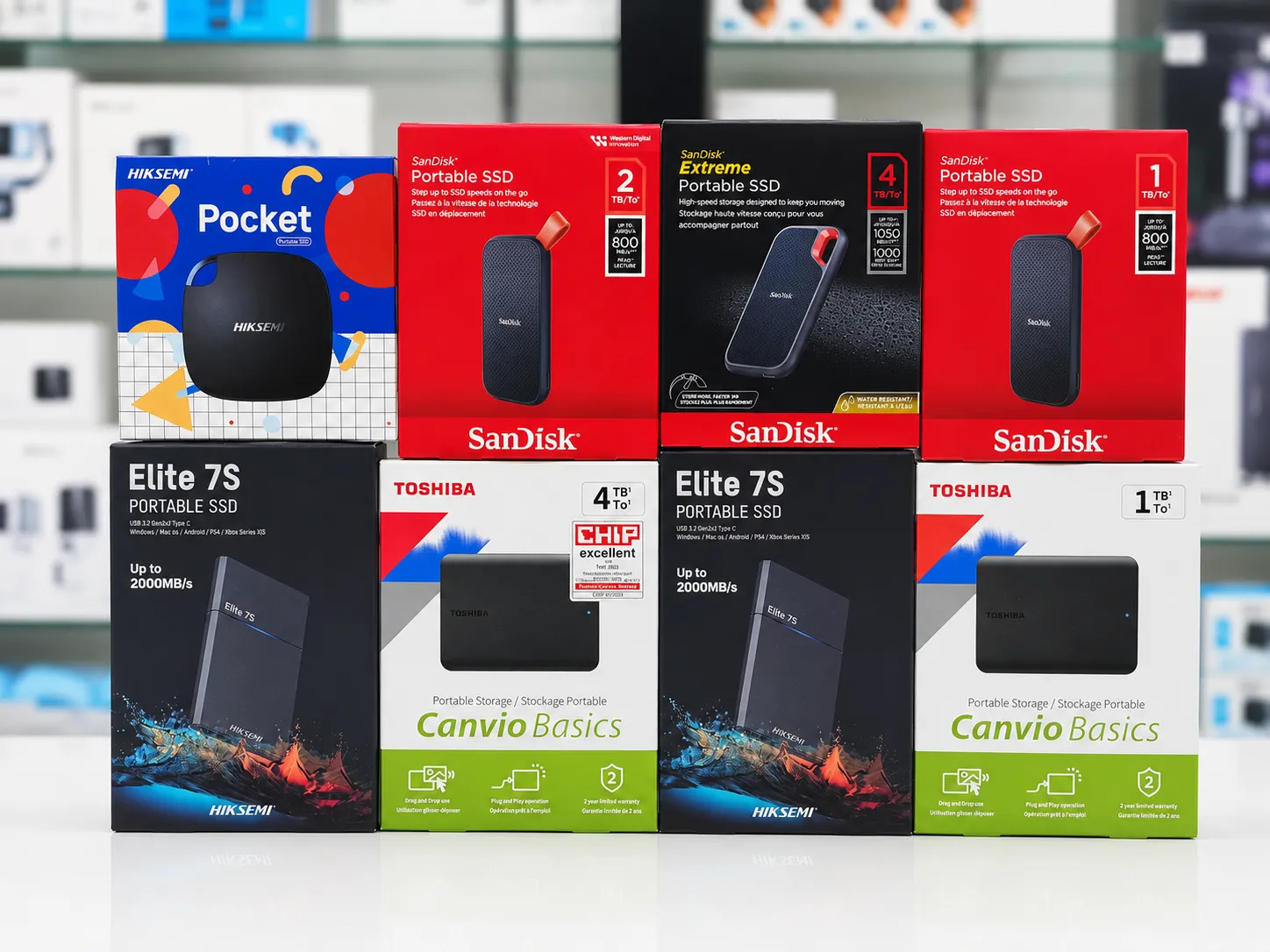
A surprising number of people replace perfectly good laptops because they feel slow.
The problem often isn’t the laptop. It’s the storage devices in Oman.
After helping customers across Muscat upgrade thousands of laptops and desktops, we’ve seen the same situation repeatedly. A customer believes their device is finished. The machine takes minutes to start. Applications lag. Files load slowly.
Then we install an SSD or upgrade the RAM.
Suddenly the device feels years newer.
If you’re still deciding whether to upgrade or replace altogether, our laptops in Oman guide breaks down exactly what a new or used machine actually costs at every price point, so you can compare that against the price of a simple upgrade.
That’s why understanding which storage devices in Oman you actually need can save significant money. Whether you’re shopping for SSDs, HDDs, RAM, memory cards, USB flash drives, or second-hand storage upgrades, the right choice can dramatically improve performance while avoiding unnecessary spending.
The challenge is knowing what actually matters. Marketing often focuses on large numbers and technical terms. Most buyers simply want a faster, more reliable device. That’s exactly where this guide helps.
Why Do People Buy the Wrong Storage Upgrades?
Storage products look similar on the surface. A hard drive is a hard drive. An SSD is an SSD. At least that’s what many buyers assume.
Unfortunately, storage technology isn’t that simple. We’ve seen customers buy expensive upgrades that delivered little real improvement because they purchased the wrong product for their needs.
Common mistakes include buying storage when they actually need RAM, purchasing incompatible SSDs, choosing capacity over speed, ignoring device compatibility, paying extra for features they won’t use, buying poor-quality memory cards, and selecting the wrong USB flash drive.
Many people also misunderstand the difference between storage and memory — and that confusion leads to expensive mistakes.
What Is the Difference Between Storage and Memory?
This question comes up almost every day. Storage and memory serve completely different purposes.
Think of it this way: storage is your filing cabinet, RAM is your desk. A larger desk lets you work on more things at once. A larger filing cabinet stores more documents. Both matter — but they solve different problems.
Signs you need more RAM: multiple applications feel slow, browsers freeze with many tabs open, gaming performance suffers, video editing becomes difficult, or multitasking feels sluggish. RAM upgrades often provide excellent value for productivity-focused users. Browse our full range of RAM and memory upgrades in Oman.
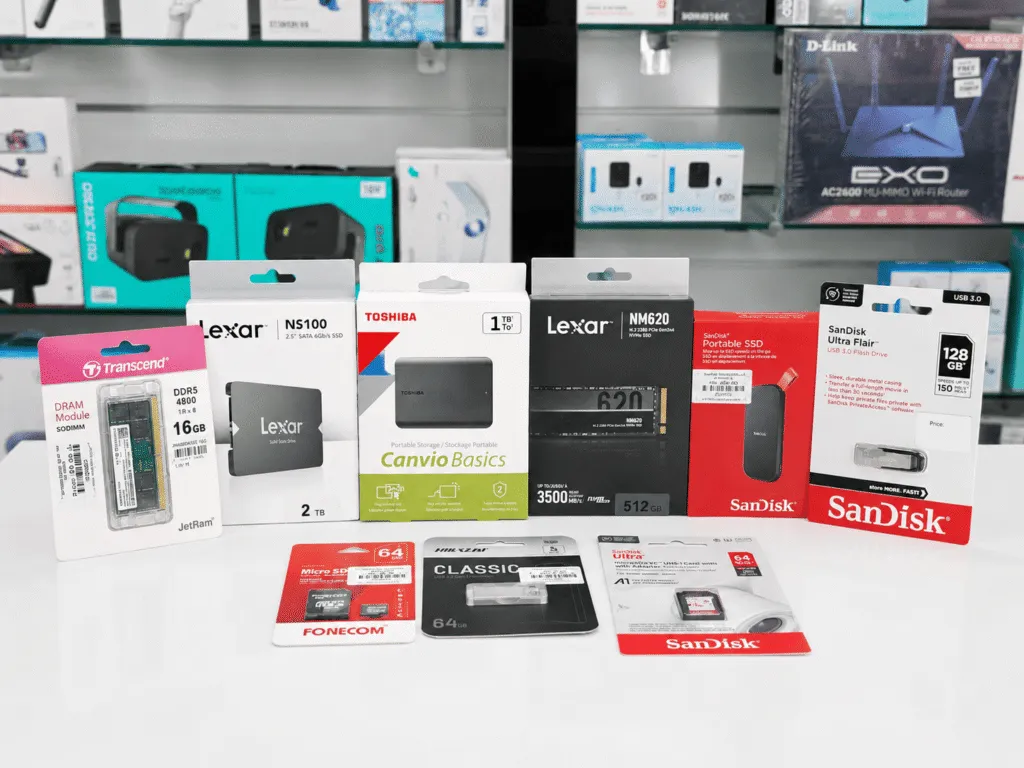
1. SSD vs HDD — The Most Important Storage Decision You’ll Make
Traditional hard drives store data using spinning disks. Solid-state drives use flash memory. The result is dramatic performance differences.
| Feature | SSD | HDD |
|---|---|---|
| Speed | Very Fast | Slower |
| Durability | Higher | Lower |
| Noise | Silent | Audible |
| Power Consumption | Lower | Higher |
| Cost Per GB | Higher | Lower |
For most modern users, SSDs provide the best overall experience. Boot times improve dramatically, applications load faster, file transfers become quicker, and general responsiveness improves significantly. Browse our full range of SSDs and HDDs in Oman.
When Does an HDD Still Make Sense?
Hard drives remain useful for large storage requirements such as media libraries, backup storage, surveillance footage, and archive files. If maximum capacity matters more than speed, HDDs remain excellent value.
2. SSD Upgrades — The Single Biggest Performance Improvement Available
One of the most searched upgrades in the Muscat market is the SSD upgrade. The reason is simple — few upgrades deliver such noticeable improvements.
A typical hard drive may take over a minute to boot a system. According to Kingston Technology’s SSD performance data, a modern NVMe SSD can reduce boot times to under 15 seconds and deliver read speeds up to 7,000MB/s compared to 80–160MB/s on a traditional HDD — a difference that transforms how a device feels to use every day. This applies just as strongly to desktops — our desktop computers in Oman guide covers several real examples of older desktops brought back to life with exactly this upgrade.
Which SSD Capacity Should You Buy?
256GB SSD — suitable for basic office work, students, and web browsing.
512GB SSD — ideal for most users, business applications, and moderate gaming.
1TB SSD and above — recommended for content creators, gamers, and professionals handling large files.
Browse our full SSD and HDD collection in Oman to find the right capacity for your needs.
3. RAM Upgrades — The Most Cost-Effective Multitasking Fix
RAM upgrades remain one of the most cost-effective ways to improve performance. The goal is matching your workload — more RAM isn’t always better, but too little is always noticeable.
8GB RAM — suitable for web browsing, office work, and general use.
16GB RAM — recommended for most modern users, gaming, and multitasking.
32GB RAM and beyond — best for professional editing, design work, and heavy multitasking.
Why RAM Compatibility Matters
Not all RAM works with every computer. Important factors include DDR generation, speed ratings, capacity support, and whether the device is a laptop or desktop. Buying the wrong RAM often creates unnecessary complications. Browse our RAM and memory range in Oman — all listings specify compatibility details.
4. Memory Cards — Speed Matters as Much as Capacity
Memory cards are used in phones, tablets, cameras, drones, and gaming devices. Yet many buyers choose based only on storage capacity. That’s a mistake.
Faster cards improve video recording quality, file transfer times, camera performance, and overall device responsiveness. For basic use, standard cards work well. For 4K video recording, speed ratings become essential.
Recommended capacities: 64GB for casual users, 128GB for most users, 256GB and above for creators and professionals.
Always buy original products from trusted sources — counterfeit memory cards remain a significant problem globally. Browse our full range of memory cards in Oman.
5. USB Flash Drives — Still Useful, Still Worth Buying Right
Despite cloud storage growth, USB flash drives in Oman continue serving important everyday purposes — file sharing, backups, software installation, document transport, and emergency recovery tools.
When choosing a flash drive, pay attention to capacity, transfer speed, build quality, and USB version compatibility. A fast USB 3.0 or USB-C drive can save considerable time compared to older alternatives. Browse our USB flash drives in Oman across all capacities and speeds.
6. Used RAM, HDD, and SSD — When Second Hand Makes Sense
Second hand storage components can provide outstanding value, especially when sourced from reputable sellers. Benefits include lower cost, better performance per OMR, and affordable upgrades for older systems.
Buyers should always verify condition, compatibility, testing status, and warranty availability. Avoid components with unknown history, physical damage, no testing records, or unverified sellers. Trustworthy sourcing makes all the difference. Browse our used RAM, HDD, and SSD collection in Oman — all units are tested before listing.
How to Choose the Right Storage Upgrade — Step by Step
Step 1: Identify the problem — is the device slow to boot, running out of storage, or struggling with multitasking? Different problems require different solutions.
Step 2: Check compatibility — verify SSD type, RAM generation, and storage interfaces before purchasing.
Step 3: Determine capacity needs — avoid paying for unused capacity.
Step 4: Prioritise performance — choose upgrades that deliver meaningful improvements for your actual use case.
Step 5: Buy from trusted sources — quality matters especially for storage products where failure means data loss.
What Storage Upgrades Are Most Popular in Muscat?
Currently, demand is strongest for 512GB SSD upgrades, 1TB SSDs, laptop RAM upgrades, USB flash drives, memory cards, and second-hand SSD upgrades.
Students often prioritise affordable upgrades. Professionals focus on reliability. Gamers typically combine SSD and RAM upgrades for maximum performance improvements. These local preferences differ from many international markets where cloud storage adoption has reduced demand for physical storage — in Oman, physical storage remains the primary choice for most users.
Upgrade Smart, Not Expensive
Most computers don’t need replacing. They need upgrading.
The right storage device can dramatically improve performance, increase reliability, and extend the life of your equipment. Whether you’re considering SSDs, HDDs, RAM, memory cards, USB flash drives, or second-hand storage solutions, understanding your actual needs is the key to making the right purchase.
Focus on solving the problem. Choose compatible products. Invest where you’ll notice the difference.
Browse all storage devices at Sky Gadgets Oman
Frequently Asked Questions
Should I upgrade RAM or install an SSD first?
If your computer uses a traditional hard drive, an SSD upgrade usually delivers the biggest improvement. If you’re already using an SSD but experience multitasking issues, additional RAM may provide greater benefits.
Is an SSD better than an HDD?
For most users, yes. SSDs offer faster performance, better durability, lower power consumption, and silent operation. HDDs remain useful when large storage capacity is more important than speed.
How much RAM do I need for gaming?
Most modern gamers benefit from 16GB RAM. Casual users can often manage with 8GB, while content creators and professionals may benefit from 32GB or more depending on workload.
Are second hand SSDs and RAM safe to buy?
Yes, provided they come from trusted sellers and have been tested properly. Buyers should verify compatibility, condition, and warranty coverage before purchasing.
Which memory card is best for 4K video recording?
Choose a memory card with high-speed ratings designed for video recording. Capacity matters, but sustained write speed is equally important when recording high-resolution content.
Are USB flash drives still useful?
Absolutely. USB flash drives remain one of the most convenient solutions for file transfers, backups, software installation, and portable storage.